
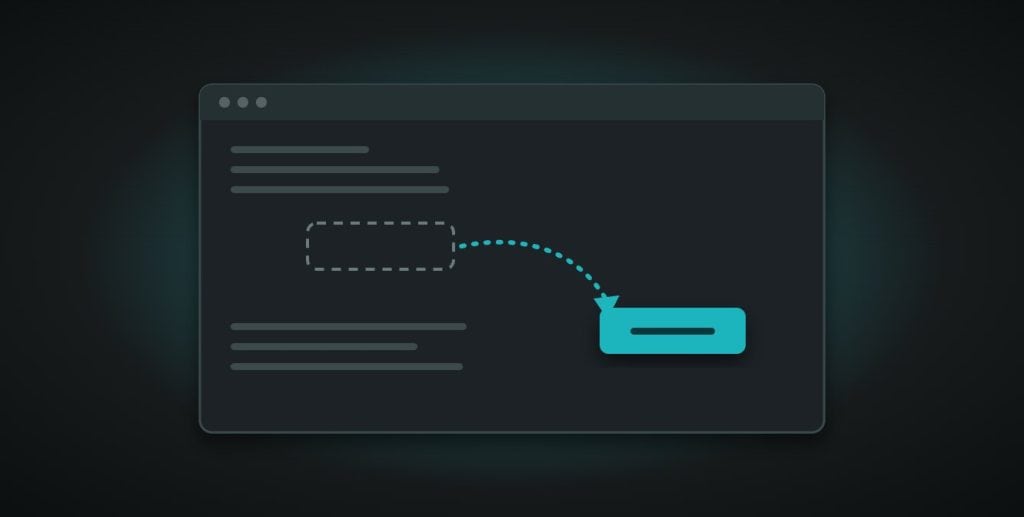
You go to do something in Claude that you’ve done a hundred times before, and the button isn’t where it used to be. Or it’s gone entirely. Your first instinct is to assume you’ve done something wrong, changed a setting by accident, or broken something.
You probably haven’t. Claude changes often, and most of what looks broken is just an update.
Change is the normal state, not the exception
This is worth genuinely accepting rather than just knowing in theory: with a tool like Claude, change is normal. Layouts shift. Features get renamed. Options move to new menus. None of this means anything is wrong on your end. It usually means something has been updated, often for the better, even if it’s disorienting in the moment.
Trust your memory, don’t doubt it
Here’s the useful instinct to build. If you remember a feature working a certain way and it now behaves differently, trust that memory. You’re not misremembering. You’re noticing a real change, and that noticing is actually useful information, not a sign you’ve lost track of something.
Read the notes when they’re there
When Claude shows you an in-app note about something new or changed, it’s worth a few seconds to actually read it rather than dismissing it. These notes are usually the fastest way to understand what’s shifted and why, far faster than trying to work it out by trial and error.
New settings often mean new capability
If you notice a new option or setting that wasn’t there before, it’s worth a moment of curiosity rather than being ignored. New settings often point to new capability sitting right there, and the only way to know is to actually look at what it does, rather than scrolling past it.
One thing to do today
Next time something in Claude looks different or missing, pause before assuming you’ve broken it. Check for an in-app note. If there isn’t one, have a quick look around, because it’s probably just moved. Treat the whole thing with curiosity rather than panic. That shift in attitude alone makes using a fast-changing tool far less stressful.
Claude LaunchPad covers this mindset in more detail, alongside a practical way to stay loosely current with Claude’s updates without it turning into extra work. It’s a free course. Start Claude LaunchPad here.